The Converve Meeting solution is web based and can be used on both desktop and mobile devices. We recommend that meetings be carried out on larger devices, such as desktop computer or notebooks, as features such as screensharing may be difficult to use.
How to start a 1:1 meeting in Converve
1.1 Log in to the event platform using your login credentials [How to Log In], as registered in the system (email address and password).
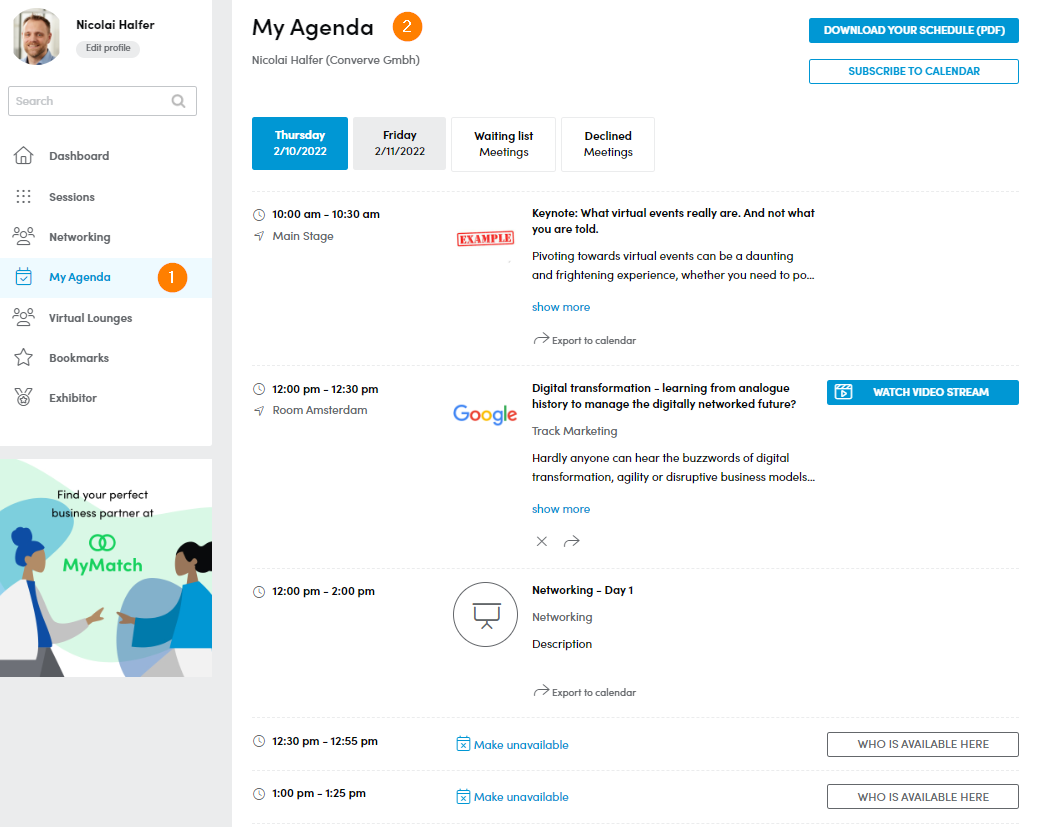
1.2 From the Dashboard left-side menu, click “My Agenda”.
1.3 Click Start Video Meeting in the appropriate time slot at the time of the meeting.