
After the registration is completed you can still make changes to your profile anytime in the platform.
Steps
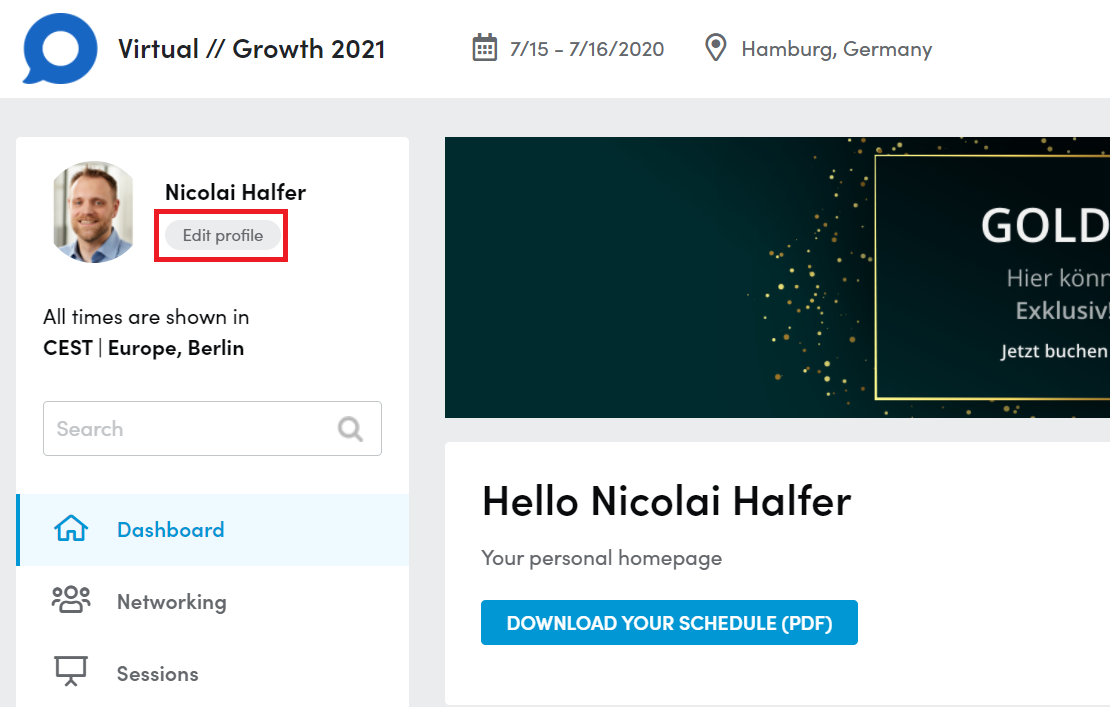
1. Click the button called “edit profile”
below your name in the upper left corner. Next to your profile picture and below your name.
2. You will get to an overviewv of your profiles.
a. Company Profile
b. Personal Profile
c. Product Profile (not on all platforms)
3. You can now click on “Edit Profile” next to your Personal Profile and the Product Profiles you are a part of.
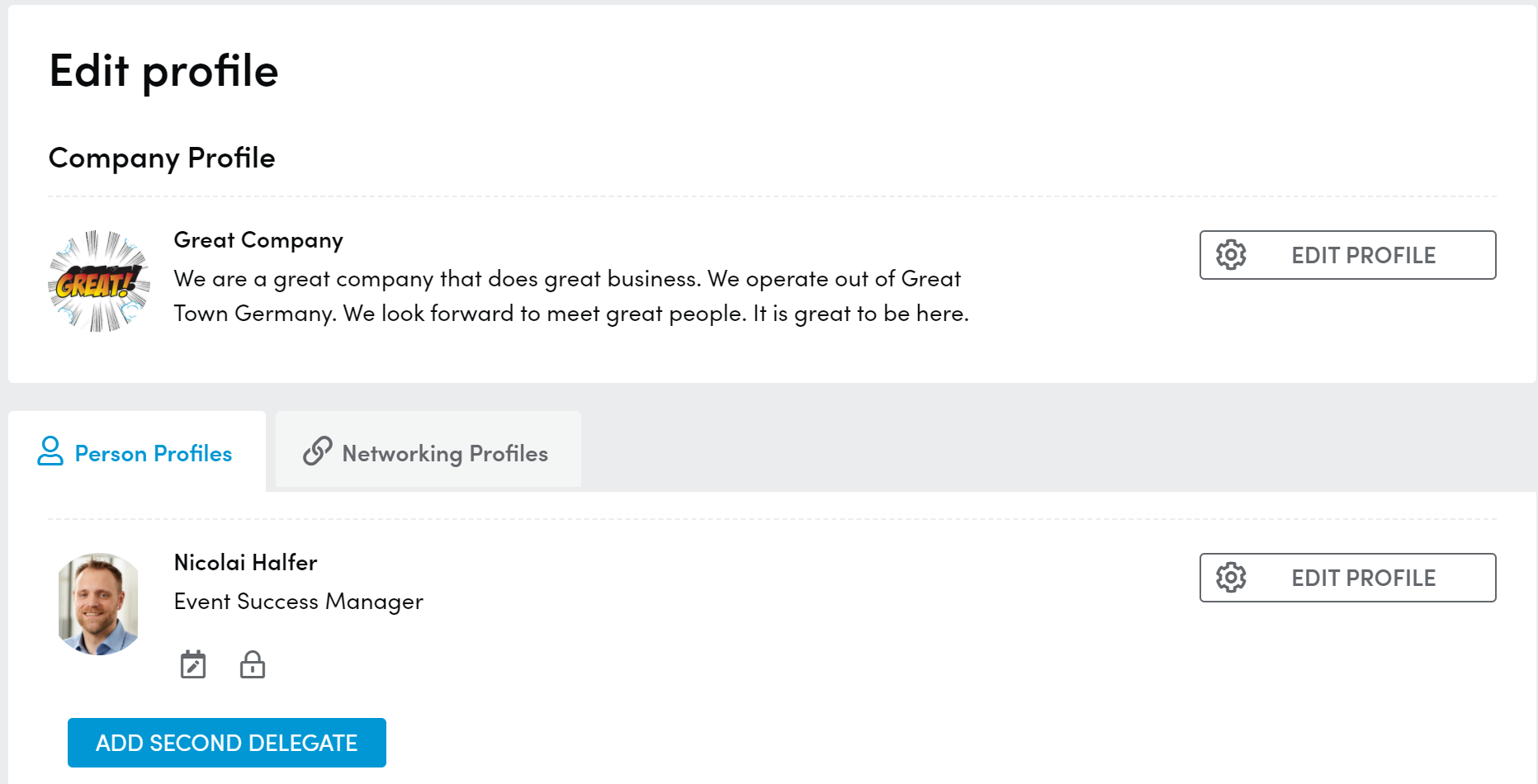
4. If you are a company admin you will also have an “Edit profile” button next to your company profile, every product profile and next to all your colleagues personal profiles.