
In this article, we explain the function of the “Conditions of use” and “Registration complete” pop-ups and how you can customize their content.
Conditions of Use
The user can open this pop-up if the “I accept the conditions of use” checkbox is displayed before or in registration forms.
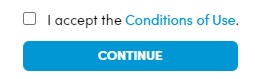
The word Conditions of use is a hyperlink that opens a pop-up.
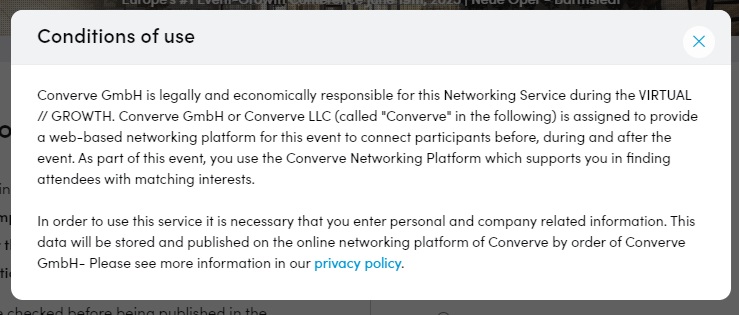
To edit the content of this pop-up, go to the backend to Event Website Builder – > Content Automations -> Conditions of use.
You can then edit the text in an HTML editor.
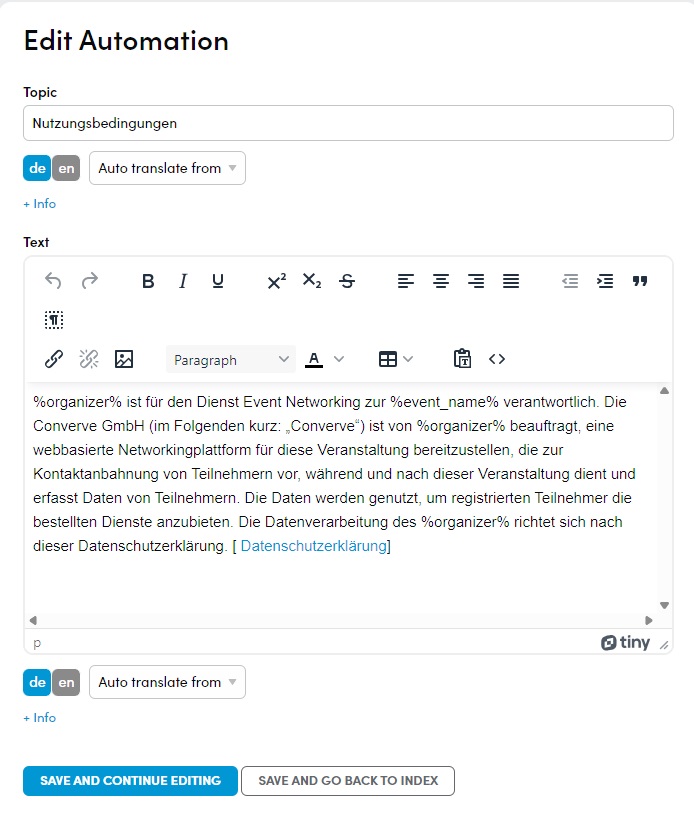
The values for %organizer% and %event_name% are taken from the platform settings, but you can also enter fixed values here.
The text suggested here is normally sufficient. If you are not sure, please contact your legal advisor.
At the end of the text you will find a link to the “Privacy policy” page.
You can find out how to change this in the following article:
Your first steps in the backend – > 4 Privacy Policy
Registration Complete
This pop-up is displayed to users when they have completed registration and are logged in for the first time.
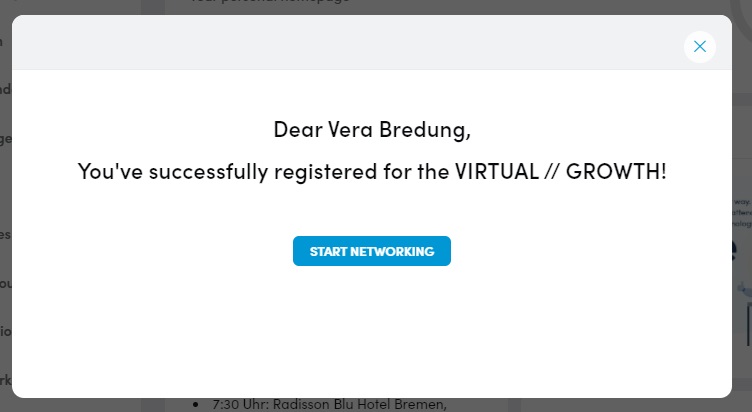
To edit the content of this pop-up, go to the backend to Event Website Builder – > Content Automations -> Registration complete.
You can then edit the text in an HTML editor.
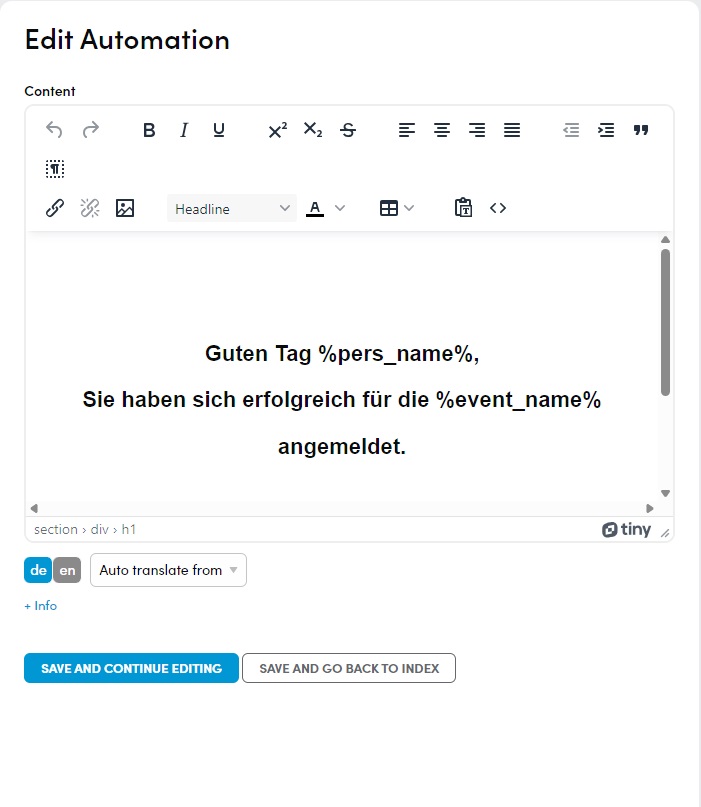
The value for %event_name% is taken from the platform settings, but you can also enter a fixed value here.
The value for %pers_name% is taken from the First Name and Last Name from the Personen Profile.
You can freely determine the content of this pop-up. .
It is also possible to display different pop-ups for different user categories.
If you wish to do so, please inform your project manager.
Remember to customize the content of the pop-up in all available languages.